Launch: Tonetell Vocal Reverb and Tonetell Amp are free — download now.
Windows VST3 · Standalone
Tell your plugins the tone you want.
Pro sound.
Built by a producer.
Ready for AI.
Plugins for producers and singers — and you can ask Claude or ChatGPT to dial them in.
Essentials bundle
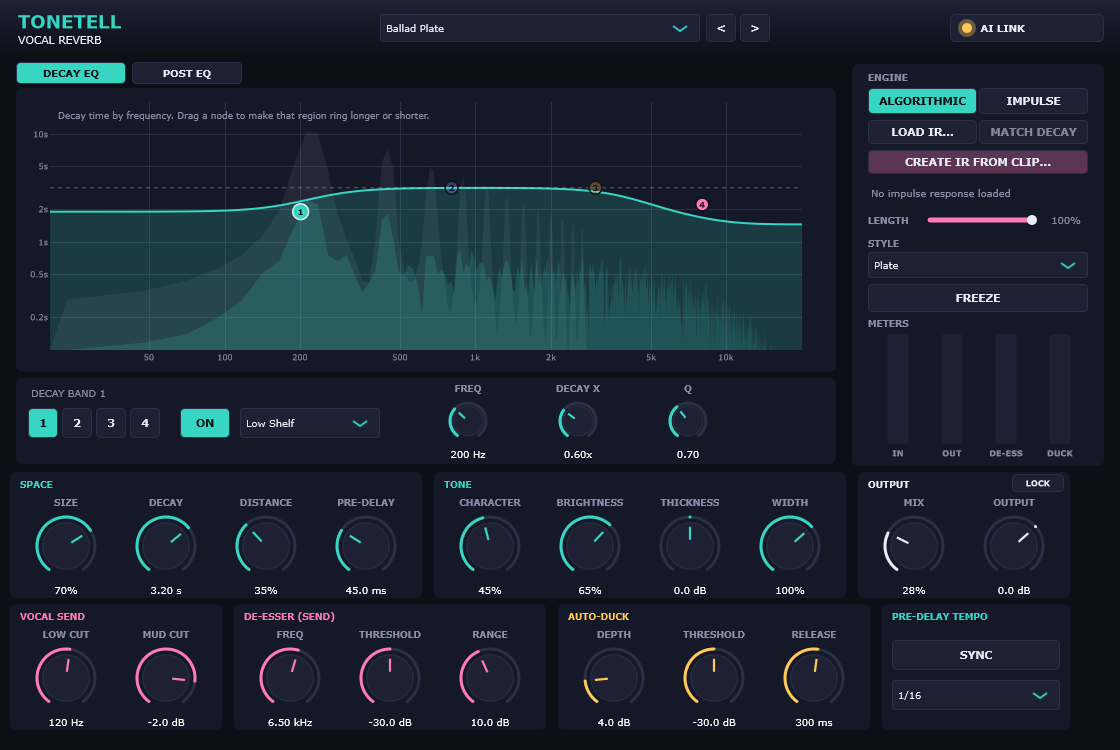
AI-readyTonetell Essentials — five AI-ready mixing tools, one low price
Comp, Delay, EQ, Limiter and Analyzer.
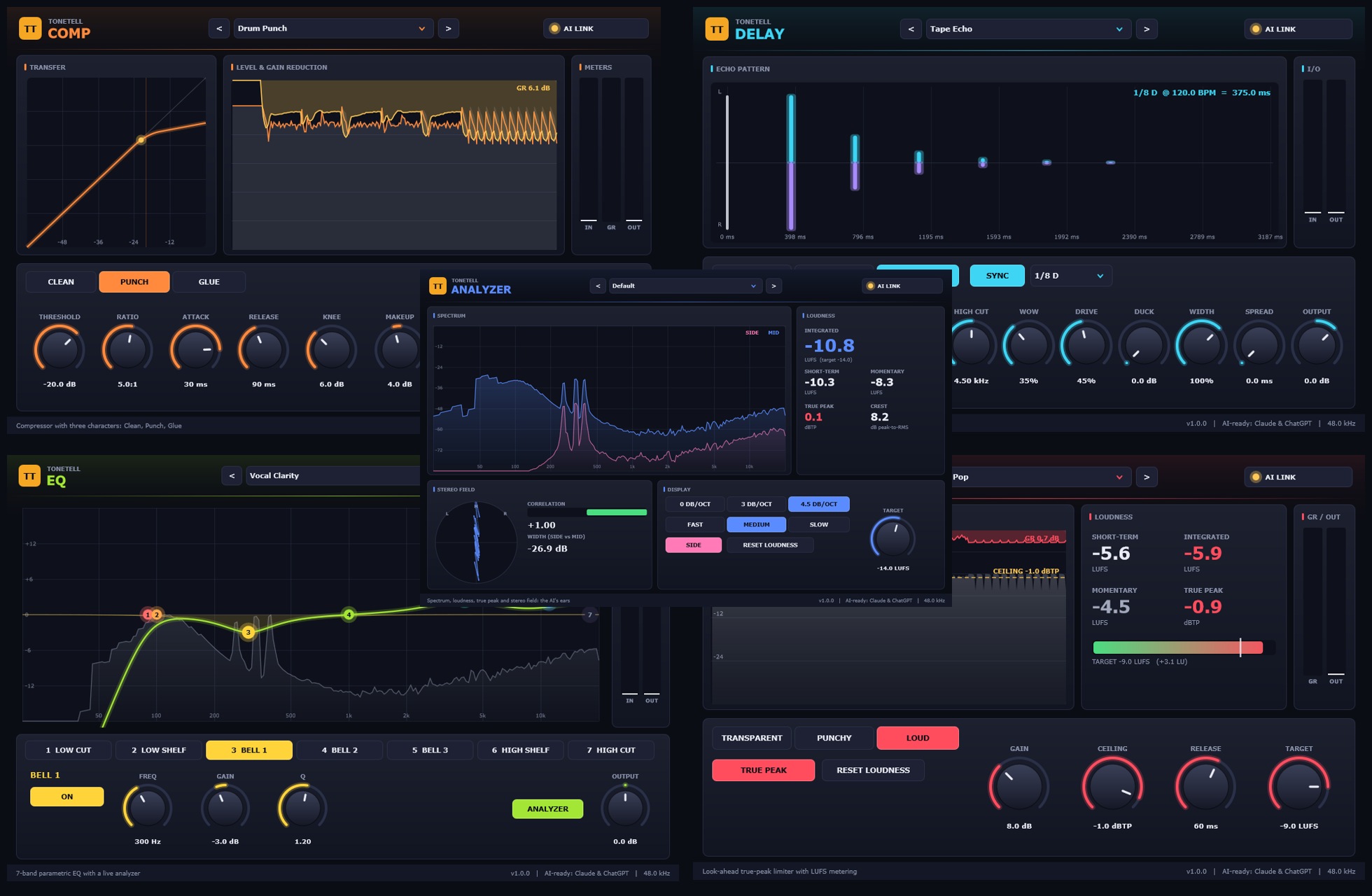
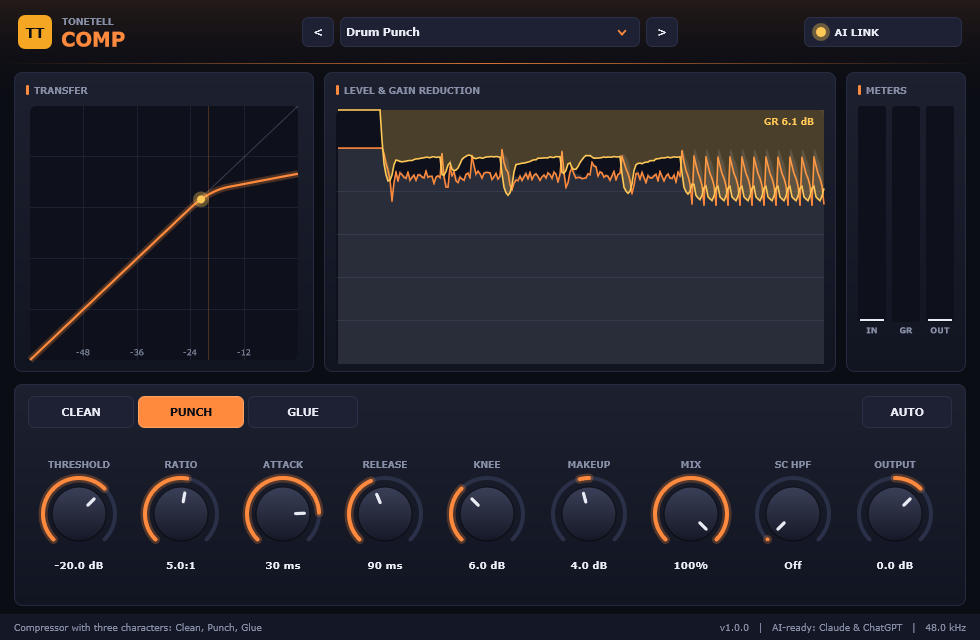
Comp
A compressor with three characters — Clean, Punch, Glue.
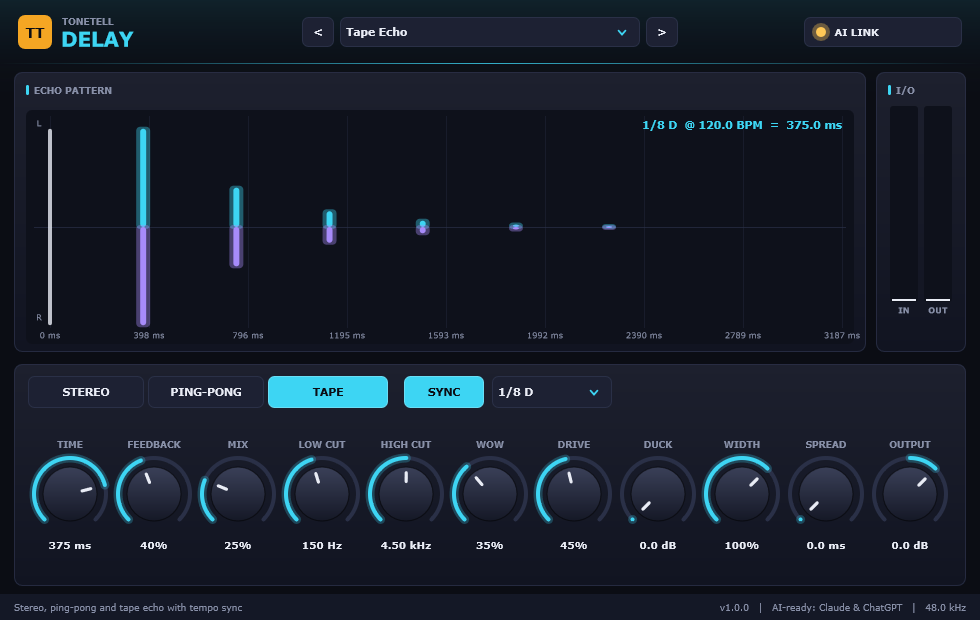
Delay
Stereo, ping-pong and tape echo, locked to your tempo.
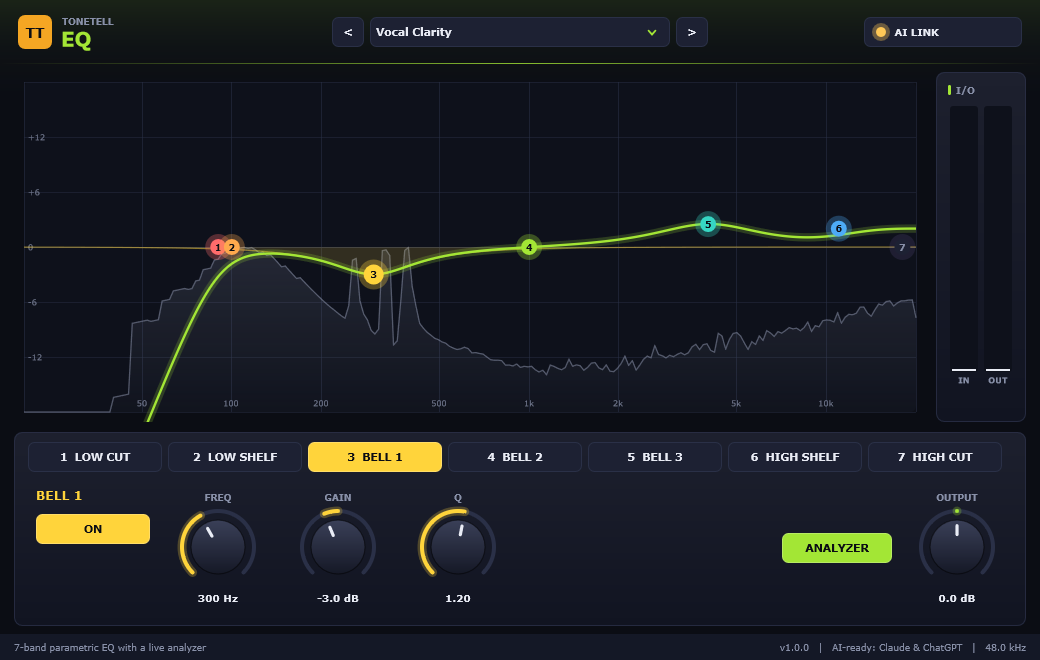
EQ
Seven bands, a live analyzer, and an AI that knows where the mud is.
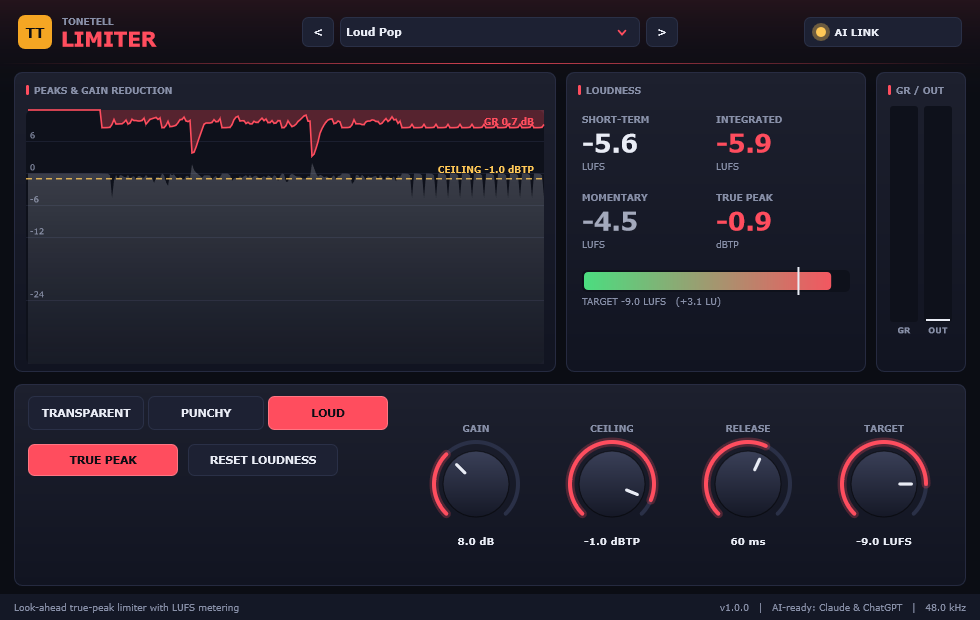
Limiter
Loud, clean, and true-peak safe — with LUFS built in.
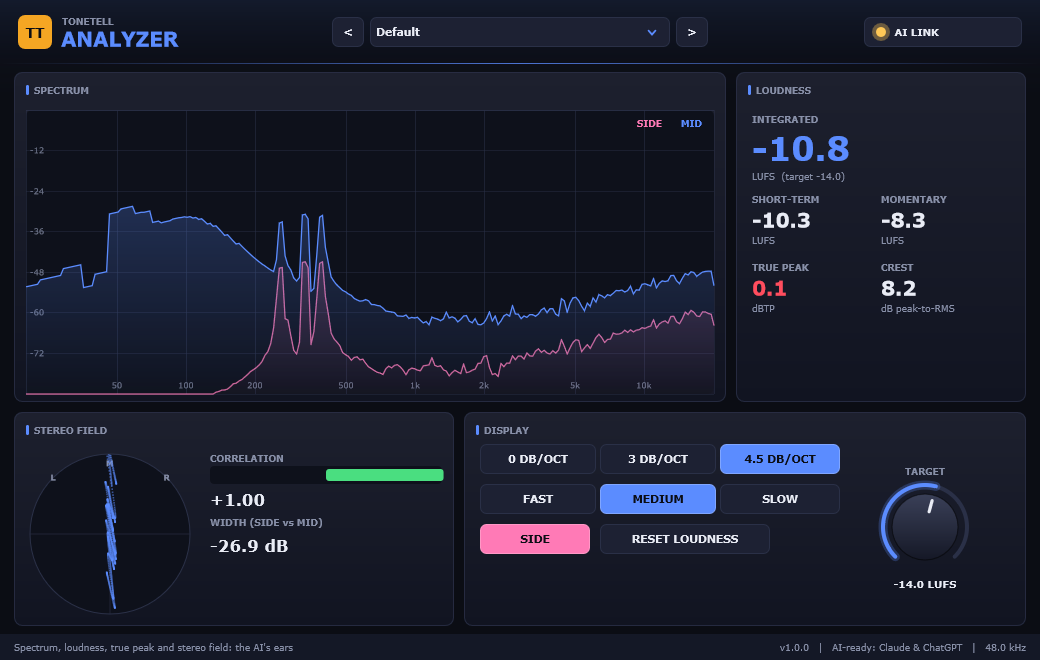
Analyzer
The AI's ears: spectrum, loudness, true peak and stereo field.
Vocal Reverb
Room, hall, plate or your own measured space — tuned for vocals and dialed in by Claude or ChatGPT if you want.
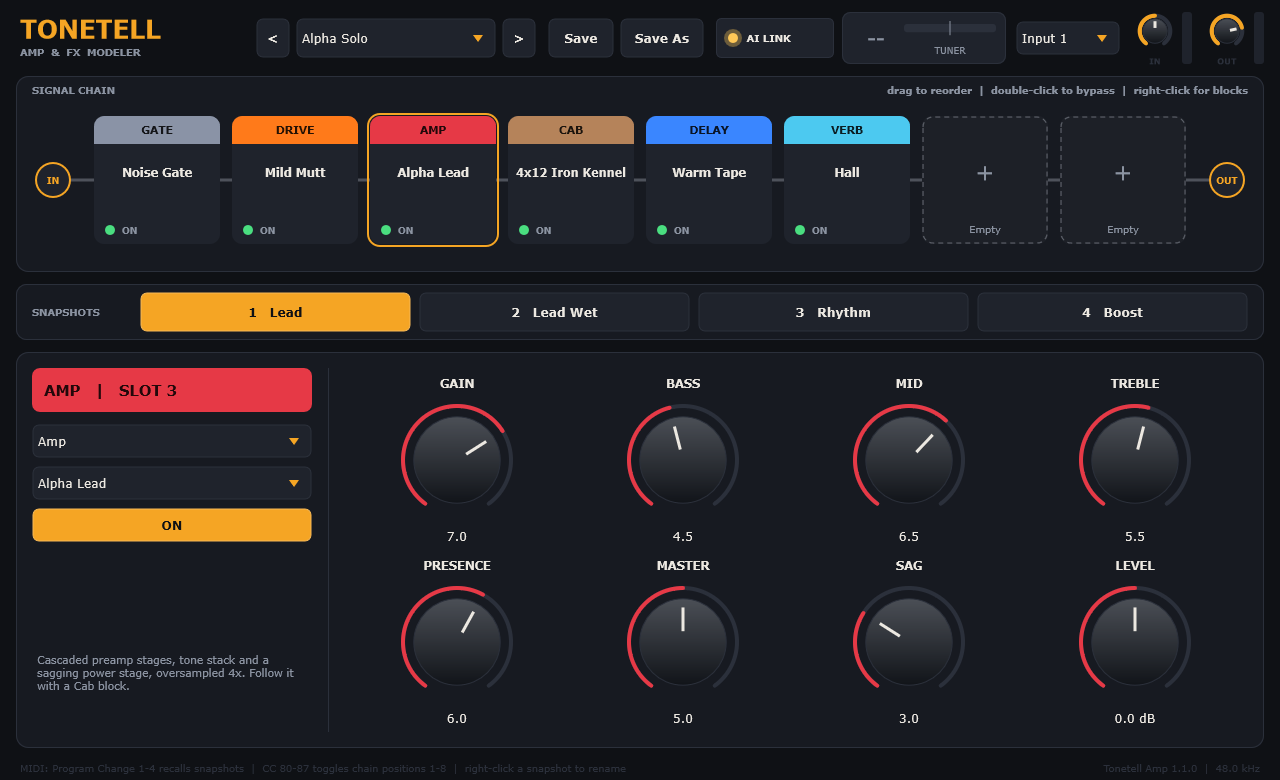
Amp
Gate, compressor, drive, amp, cab, EQ, modulation, delay and reverb in a chain you rearrange by dragging.
AI Link
Describe the sound. The AI dials it in.
- 01
Click AI LINK
Open the AI LINK panel in the plugin. One connection works for every Tonetell plugin.
- 02
Connect, then restart
Click CONNECT TO CLAUDE or CONNECT TO CHATGPT, then fully quit that app from its tray icon and reopen it. Needs Claude Desktop (claude.ai/download) or the ChatGPT desktop app (chatgpt.com/download) for Windows.
- 03
Ask in plain words
“Make me a '90s R&B plate.” The AI adjusts the plugin — and every change can be undone.
Get new plugins and free presets
One email when something new is out. No spam.